

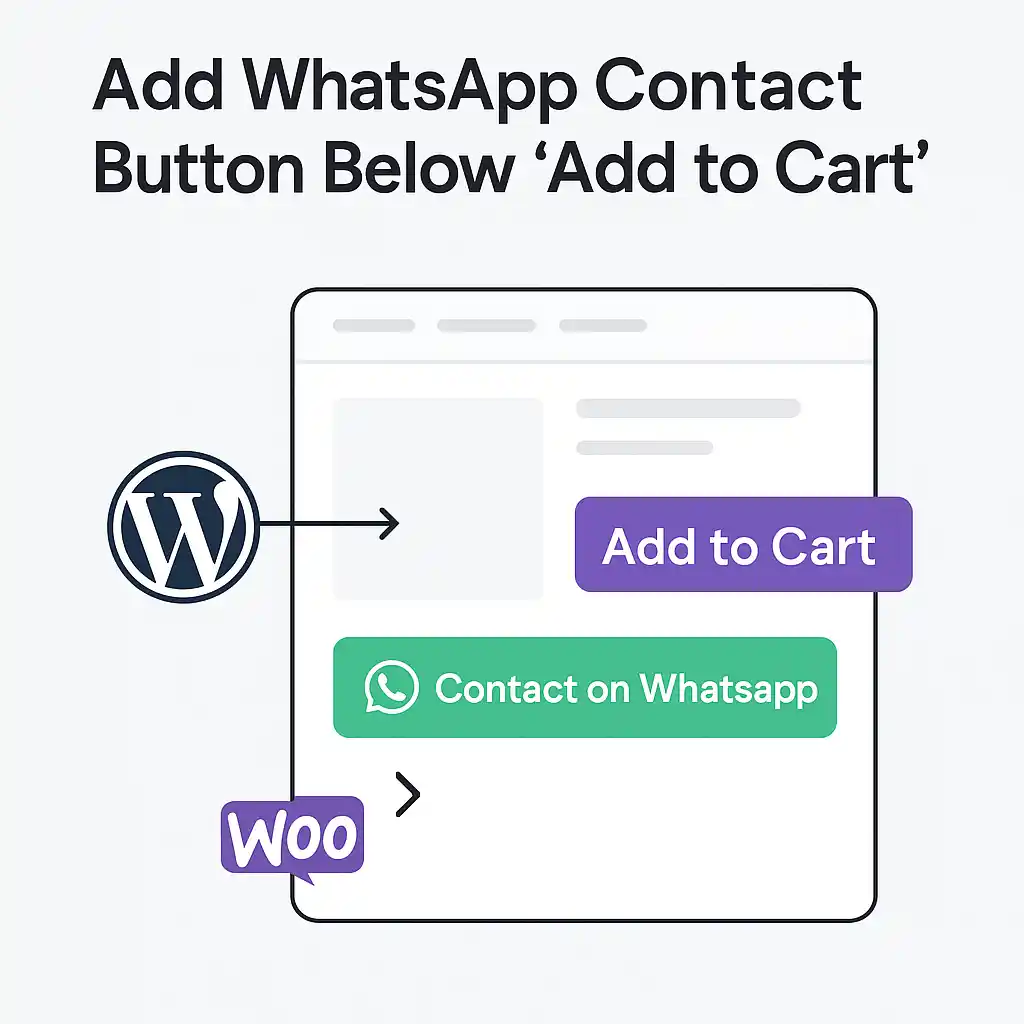
Add WhatsApp Contact Button Below “Add to Cart”
28.00€
A clean, optimized PHP snippet that automatically adds a WhatsApp contact button below the “Add to Cart” button on all WooCommerce product pages. Fully compatible with any theme and lightweight — no plugins required.
Professional Description – WordPress Snippet for WooCommerce
This WordPress snippet is a lightweight, fully optimized solution that adds a clean WhatsApp Contact button directly under the “Add to Cart” area on your WooCommerce product pages.
Instead of installing heavy plugins, this WordPress snippet uses pure PHP to keep your store fast,
stable and easy to maintain. It integrates smoothly with Elementor-based layouts,
WoodMart, Astra, and block themes, ensuring the button looks naturally built-in.
By placing a WhatsApp contact option next to Add to Cart, you offer customers a direct communication
channel. This increases trust, reduces hesitation, and can significantly improve conversions — especially
for stores offering personalized or premium services where pre-purchase questions are common.
Key Features of This WordPress Snippet
- Pure PHP implementation — no extra plugins required
- Compatible with any WooCommerce theme
- Customizable text, colors, and phone number
- Lightweight, fast, and mobile-friendly
- Tested with the latest WordPress and WooCommerce versions
- Works smoothly with caching and speed optimization systems
How This WordPress Snippet Works
- Paste the snippet into your functions.php file or Code Snippets plugin.
- Edit the
$whatsapp_numbervariable with your phone number. - Save the file and refresh your WooCommerce product page.
- The WhatsApp Contact button will appear automatically.
Use Cases & Benefits
This snippet is perfect for stores selling custom items, high-value products, professional services,
or any business where customers appreciate fast communication. This method avoids plugin conflicts and
keeps your site lightweight while giving you full control over your code.
For more smart tools and coding solutions, explore our internal collection:
PouyaWeb Product Shop.
For technical documentation you can refer to:
WordPress.org Developer Resources.
Custom Development & Advanced Integrations
If you need advanced features such as analytics tracking, button animations, alternative positions,
license validation, or multisite integration — we offer full custom development services.
We can extend this WordPress snippet or build a fully tailored solution for your brand.
we’re ready to help you achieve the perfect solution for your store.
| License Type | Use this code on one personal or client website. Perfect for freelancers or individual developers who need a lightweight, plugin-free solution. |
|---|---|
| Compatibility | , , , |
| File Details | , , |
| Plugin Info |

Reviews
There are no reviews yet.