Premium Interactive 404 Error Page for WordPress & Elementor
85.00€
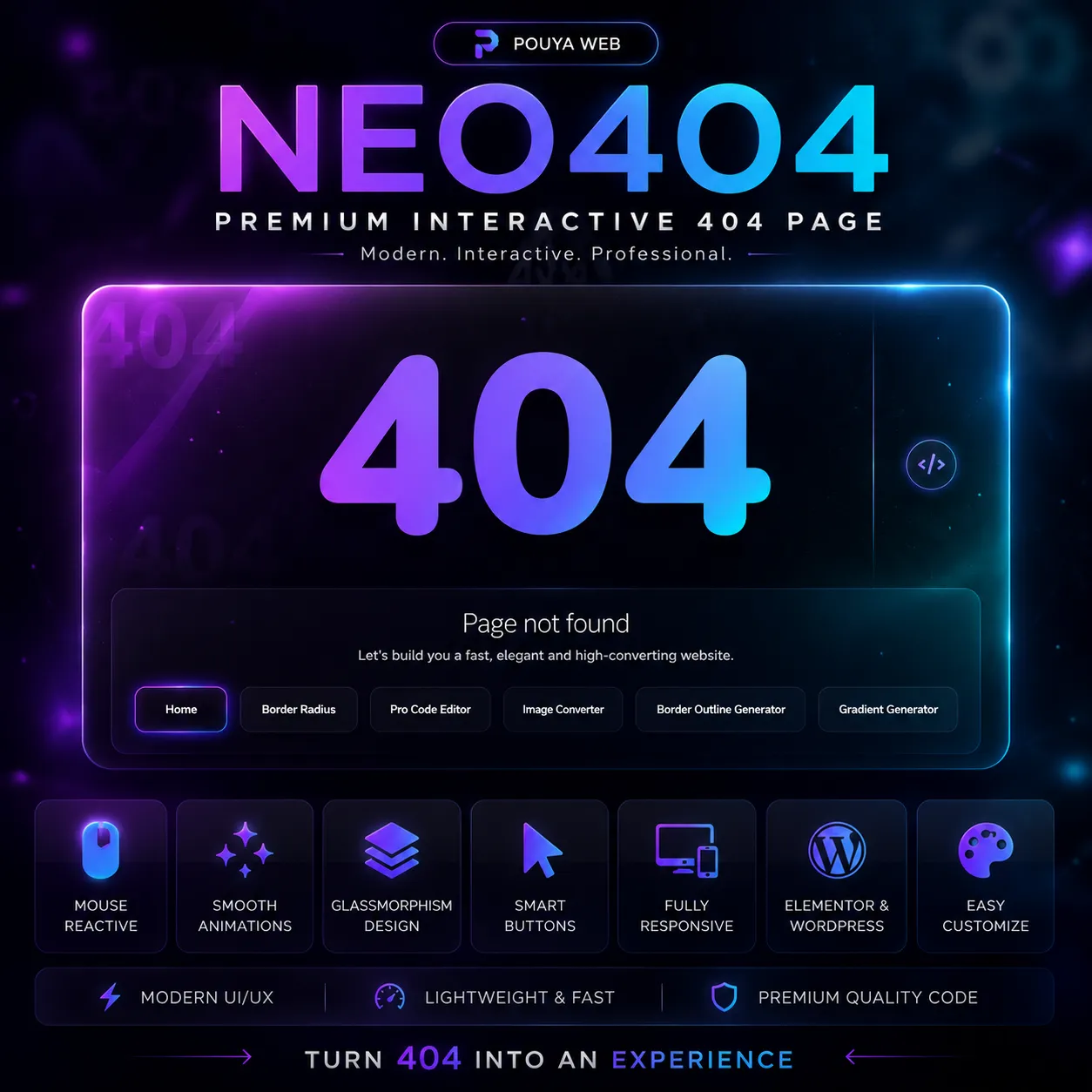
A premium animated 404 error page with interactive mouse effects, floating icons, responsive layout, and Elementor-ready integration for modern WordPress websites.
Professional Description – Interactive 404 Error Page for WordPress
This premium interactive 404 error page transforms a standard “Page Not Found” screen into a modern visual experience designed for WordPress and Elementor websites.
Built with clean HTML, CSS, and JavaScript, this solution includes smooth mouse interaction effects, animated floating elements, dynamic buttons, refresh functionality, and responsive layouts — all optimized for performance and professional UI presentation.
Instead of showing visitors a boring default error page, this interactive 404 design keeps users engaged and encourages them to continue exploring your website.
Perfect for agencies, developers, portfolios, WooCommerce stores, SaaS websites, and premium business projects.
Key Features of This Interactive 404 Page
- Premium animated UI design
- Interactive mouse movement effects
- Floating animated icons and visual elements
- Refresh button functionality
- Responsive design for mobile, tablet, and desktop
- Elementor HTML widget compatible
- No plugin required
- Clean HTML, CSS and JavaScript structure
- Easy customization for colors, text, and buttons
- Lightweight and performance optimized
How This 404 Page Works
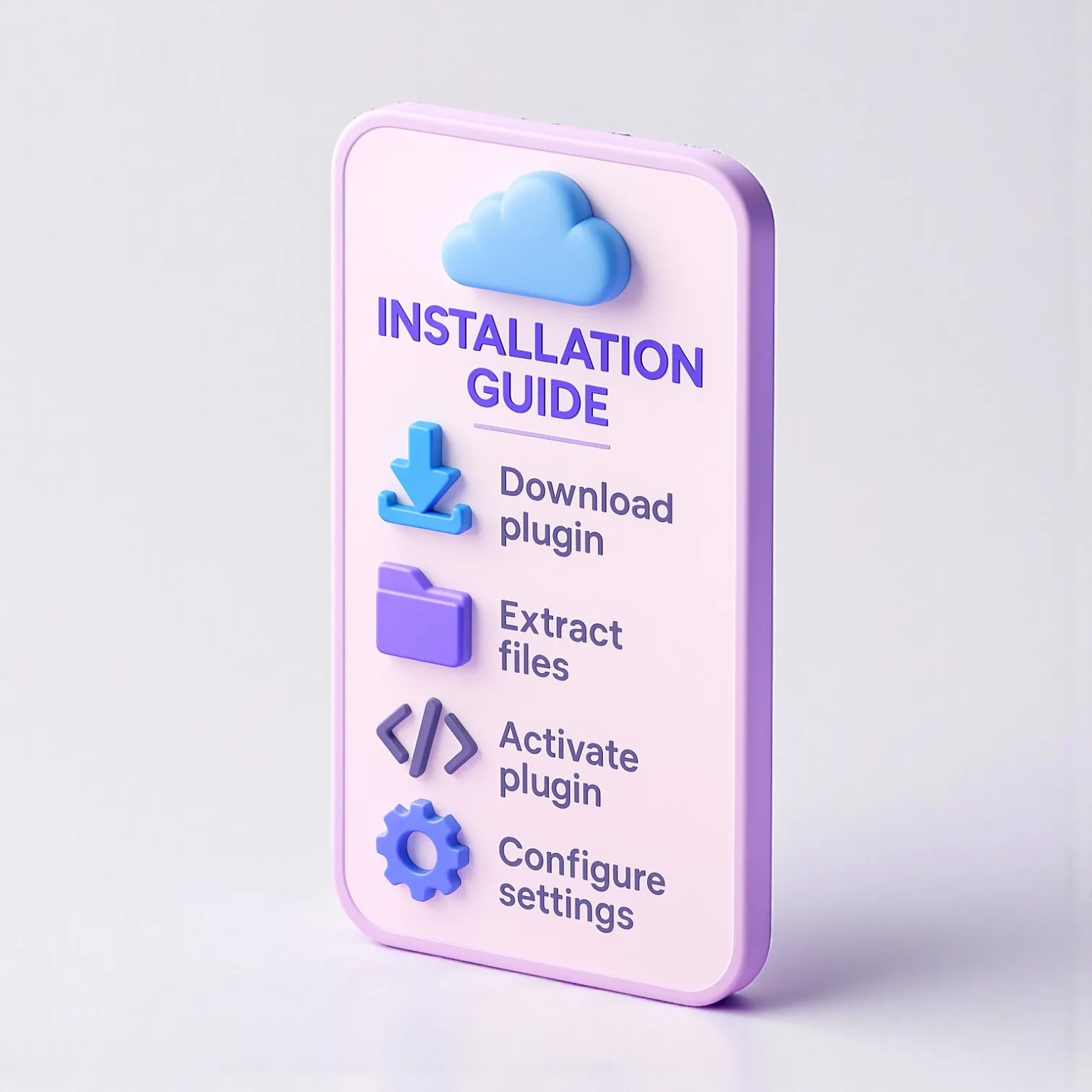
- Upload or paste the code into your custom 404 template.
- Connect the page inside WordPress 404 settings or theme builder.
- Customize colors, logo, buttons, and text if needed.
- Save changes and publish the page.
- Your visitors will now see a premium animated 404 experience.
Use Cases & Benefits
This product is ideal for developers, agencies, freelancers, online stores, and modern brands that care about user experience and visual quality.
A professionally designed 404 page reduces bounce rate, improves brand perception, and keeps visitors interacting with your website instead of leaving immediately.
For more premium UI tools and coding products, explore:
PouyaWeb Product Shop.
For official WordPress developer documentation:
WordPress.org Developer Resources.
Custom Development & Advanced Integrations
If you need advanced animations, custom branding, WooCommerce integration, dark/light modes, multilingual versions, or fully personalized UI experiences — we also provide custom development services.
We build modern UI experiences for brands that want premium quality and professional presentation.
Reviews
There are no reviews yet.